
Your map, in orbit.
Wrap your world onto a globe. Spin it, explore it, and add up to three moons.
From the first mountain to the moons above it.
Build a world worth getting lost in — all in your browser.
Free to start. No install. No account required.
All footage recorded in HexAtlas. From orbit to a village street.
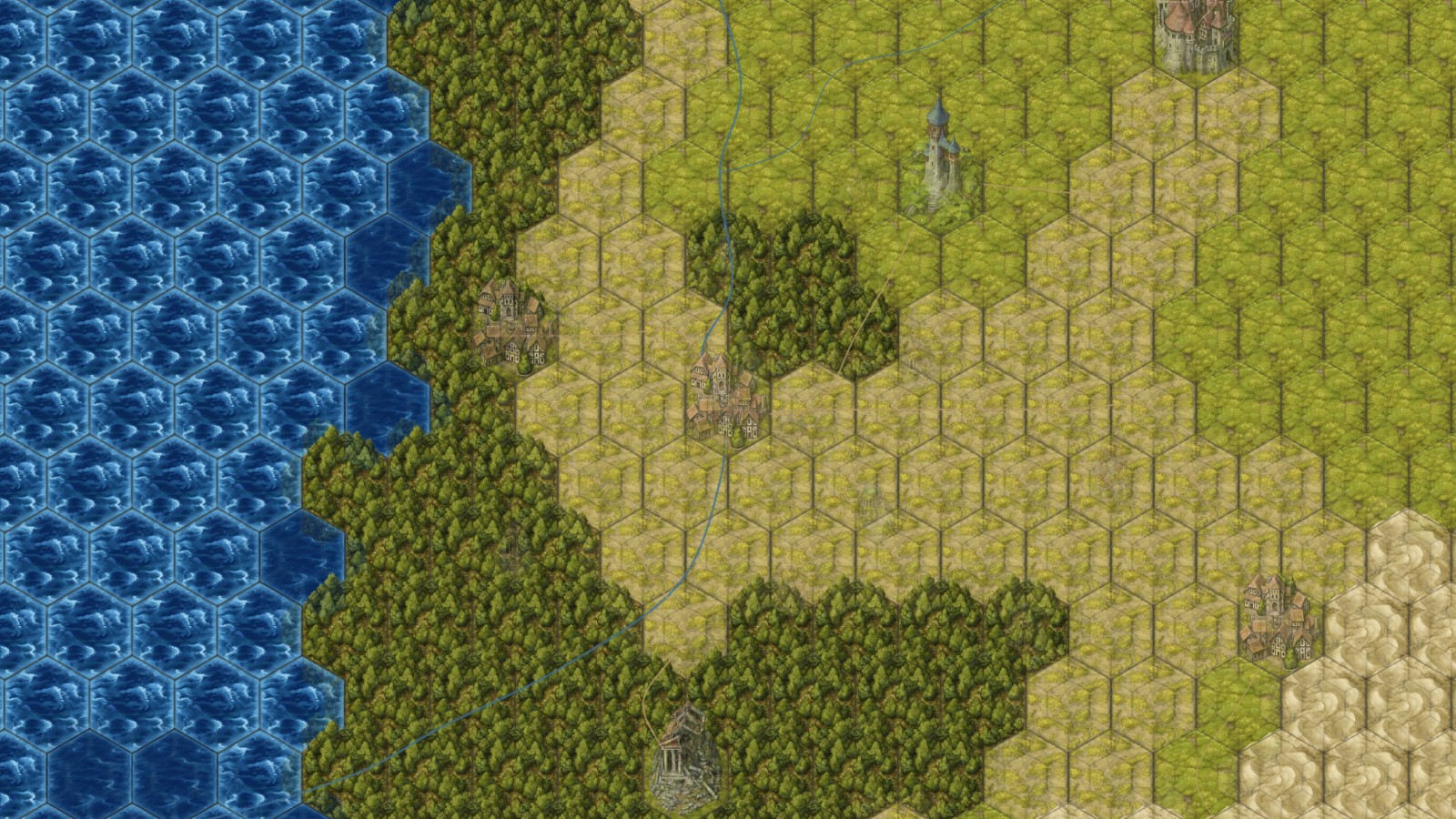 THE BIG PICTUREEvery hex, a possibility. ↗
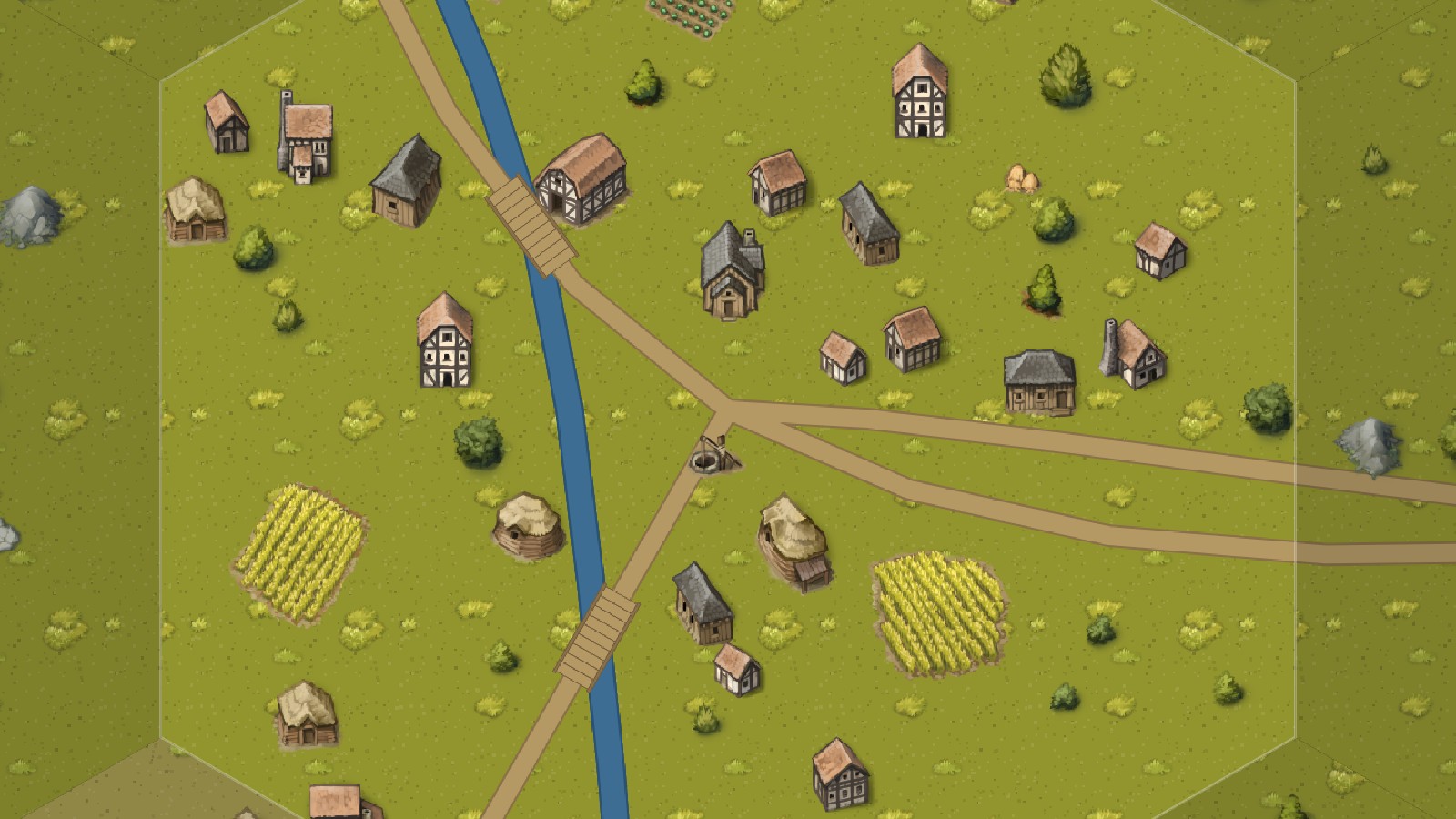 THE LITTLE DETAILSA place to begin. ↗
Wrap your world onto a globe. Spin it, explore it, and add up to three moons.
Control sunlight, axial tilt, day length, and the calendar. Watch the light change.
Add clouds or fog with adjustable color and density, against a moving star field.
Game masters
Worldbuilders
Storytellers
A WORLD, NOT JUST A MAP
The uncharted coast. The village with a secret. The road your players definitely won’t follow. Give every part of your world a little more life.
Paint a continent. Trace a road. Drop a castle where the story needs one. Bring your landscape together with terrain and landmarks that feel like they belong.
Start with a single hexThat tiny spot on the map has a story. Explore generated settlements with winding roads, farms, houses, and small details from the Fantasy settlement kit.
Explore the settlement toolsBring locations, characters, factions, and session notes together in your compendium.
Build dungeon layouts, place objects, and prepare the next encounter.
Share by link with player view and fog of war. Keep a separate copy for player-facing content.
CONNECTED SCALES · PRO
Zoom from the big picture into the places that matter. Continent, Country, and Region layers keep your world connected as smaller hexes reveal finer detail.
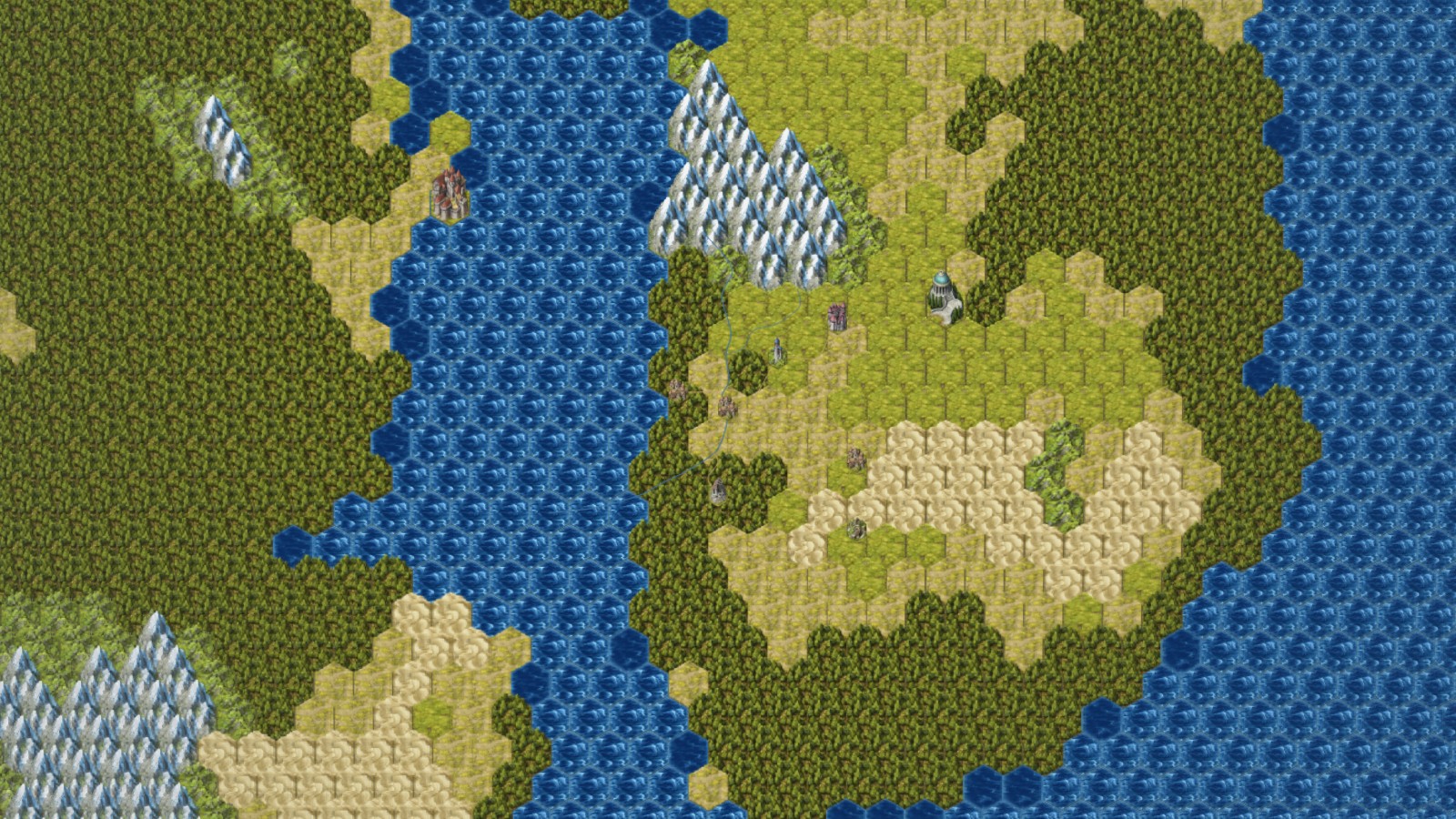
Work across broad stretches of your world.
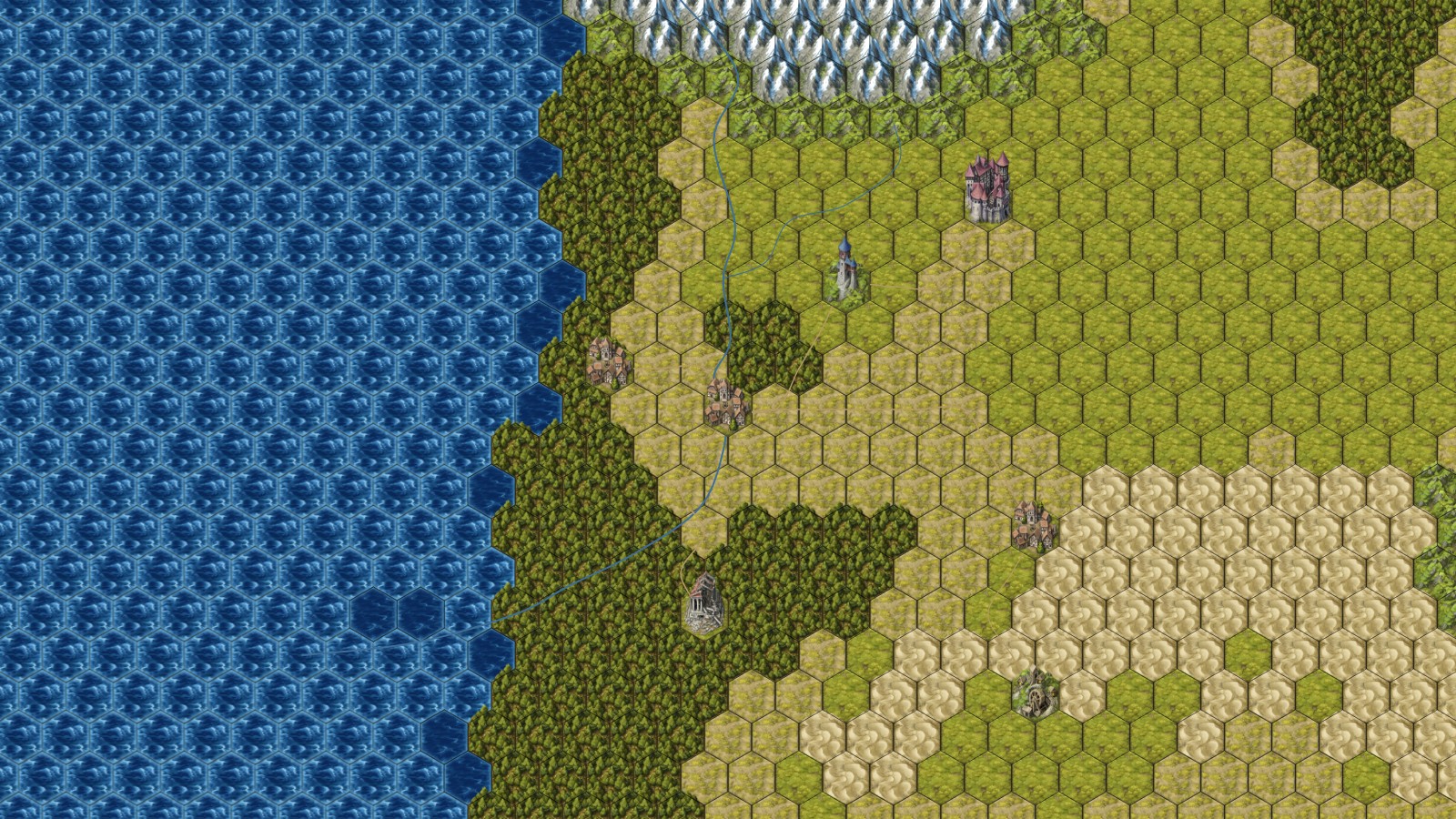
Paint terrain and place the landmarks in between.
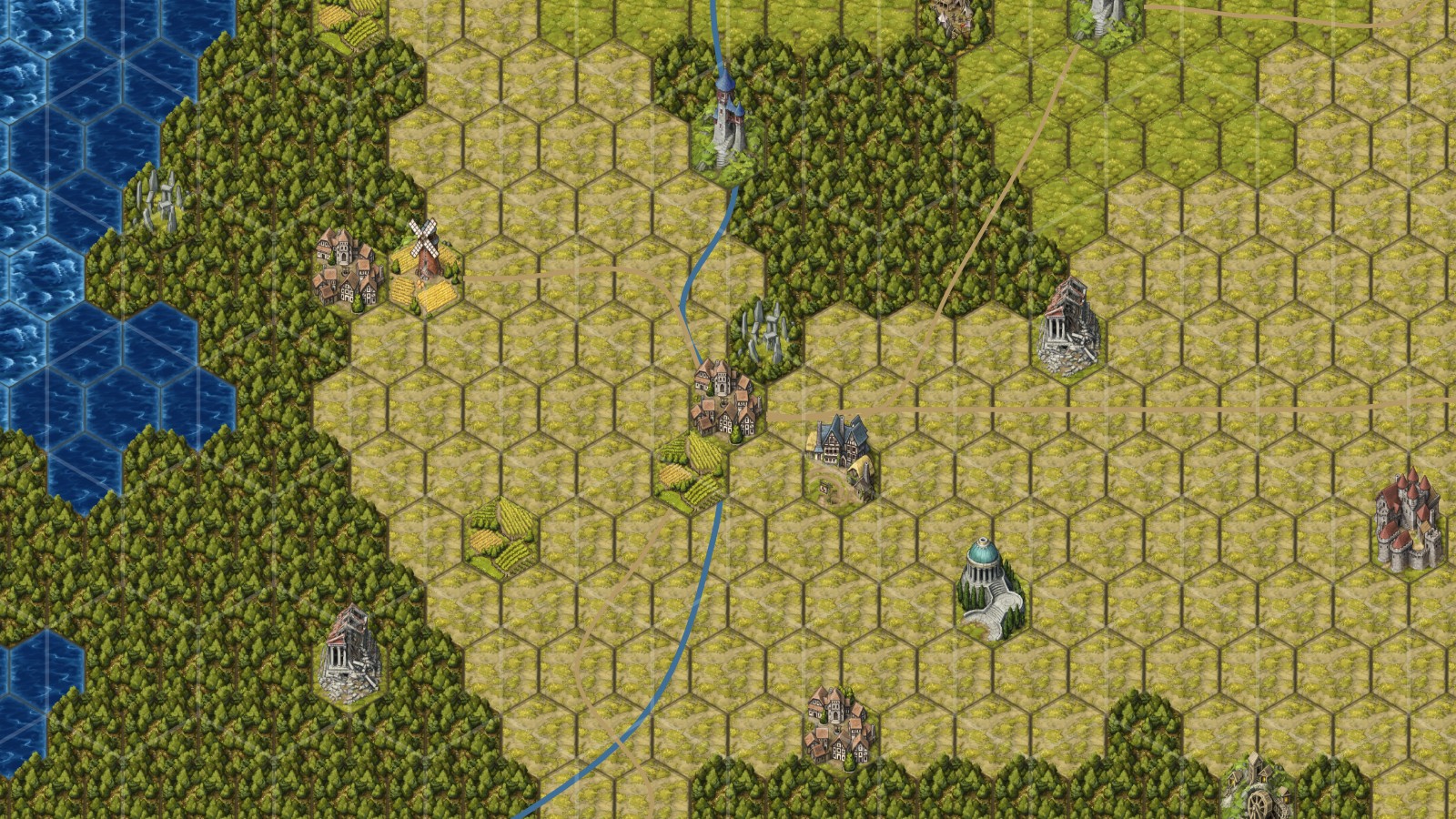
Refine individual hexes with smaller, editable subhexes.
FIND YOUR LOOK
Four ways to give your world its own character. From hand-drawn symbols to sculpted Low Poly tiles.
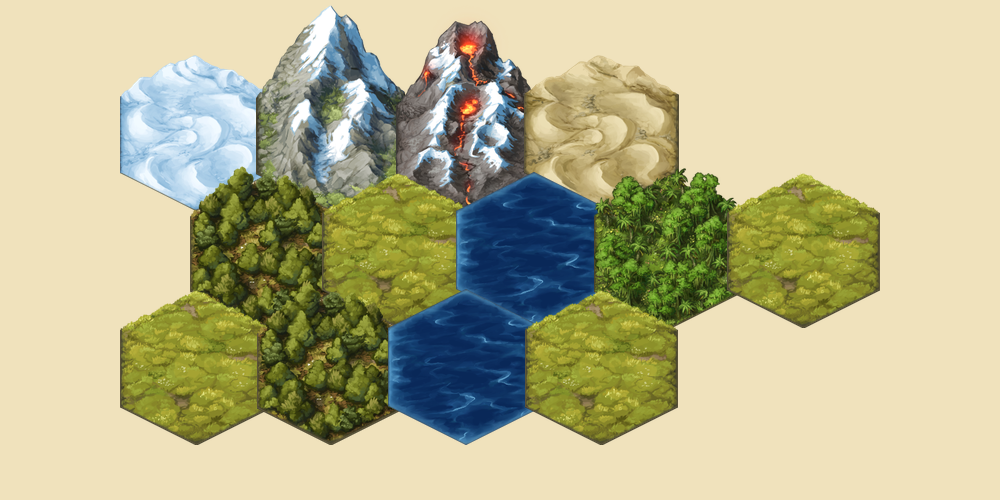
A world with a storybook soul.
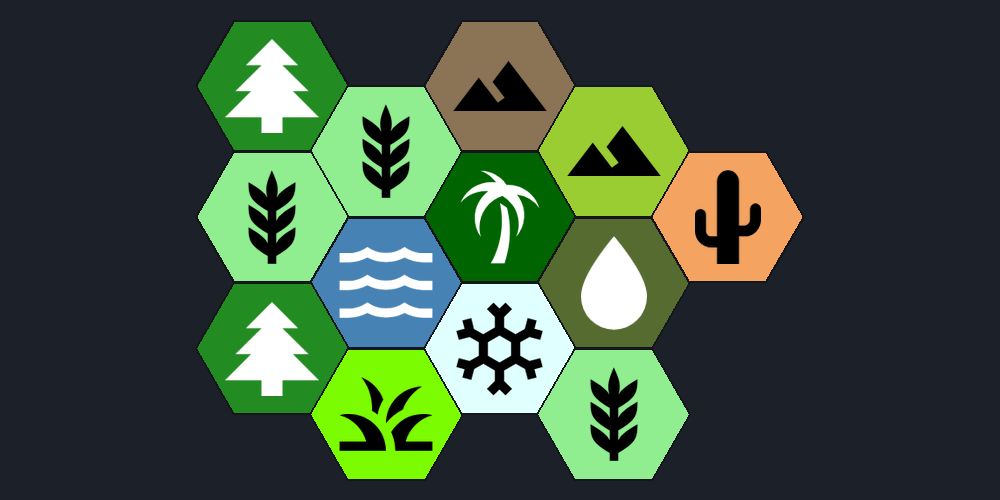
Clear, colorful, ready to explore.
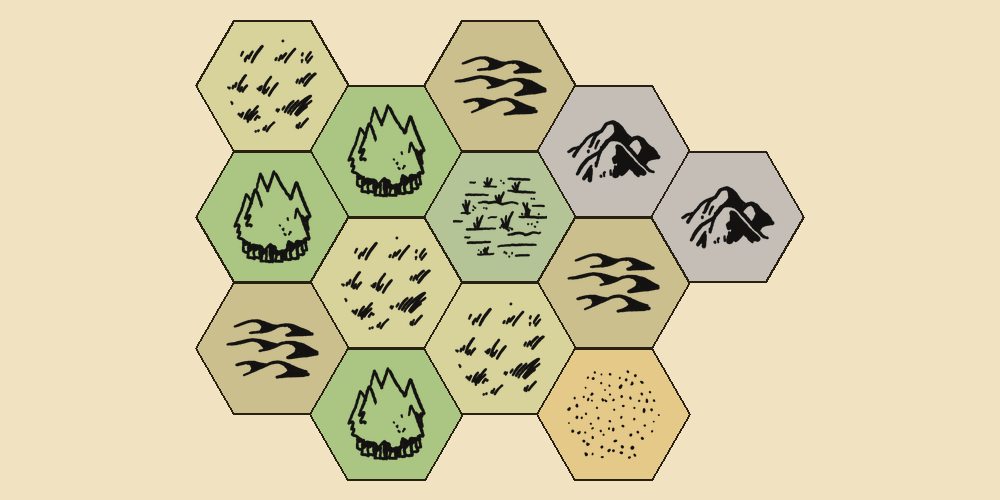
A familiar sense of adventure.
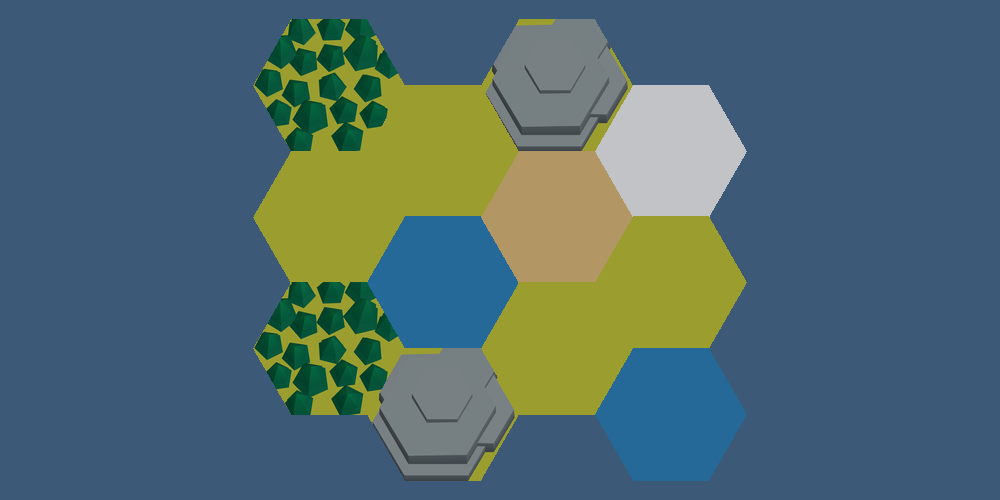
A little more dimension.
SIMPLE PRICING
Build locally for free. Add cloud saves, player sharing, and deeper detail with Pro.
$0 / forever
Everything you need to start putting your world on the map.
Open the free editor$5 / month · USD
Take your world across devices and bring your players in.
Get HexAtlas ProMembership through Patreon. Link your account in the editor. How it works ↗

Independently built. Shaped by your campaigns.Made by The NerdyGentleman, with a little help from the people who use it.
Join the community ↗These are experimental tools. Turn on Experimental Features in the editor settings, then enable Planet View for your map or explore settlement view. They are still being developed.
Neither. Open the editor in your browser and start building. Free maps save locally on your device; an account is needed for cloud features.
No. Hexes make terrain easy to paint, whether you’re running a 5e campaign, an OSR hexcrawl, or building a setting for your next story. Count them for travel if you like.
Yes. JSON export is free, so you can keep a backup of your world. Image export is also available in the editor. More about saving your work.
Pro includes player view and fog of war. These control the presentation, not access to the underlying shared data. Publish a separate copy with private notes and unrevealed content removed.
Join the HexAtlas Discord. It’s where we talk campaigns, collect feedback, and figure out what to build next.
YOUR NEXT PROJECT STARTS HERE
Open your browser. Start building.