
Tonight’s adventure.
Export an individual map, settlement, dungeon or solar system, or a selected area as one scene. Download its package and import it into Foundry with the free module.
FREEHEXATLAS × FOUNDRY VTT
From the road across the kingdom to the room behind the door. Take your HexAtlas adventures into Foundry, ready for your next session.
Free importer · Every file export included · Cloud worlds with Cloud Membership · Foundry VTT required
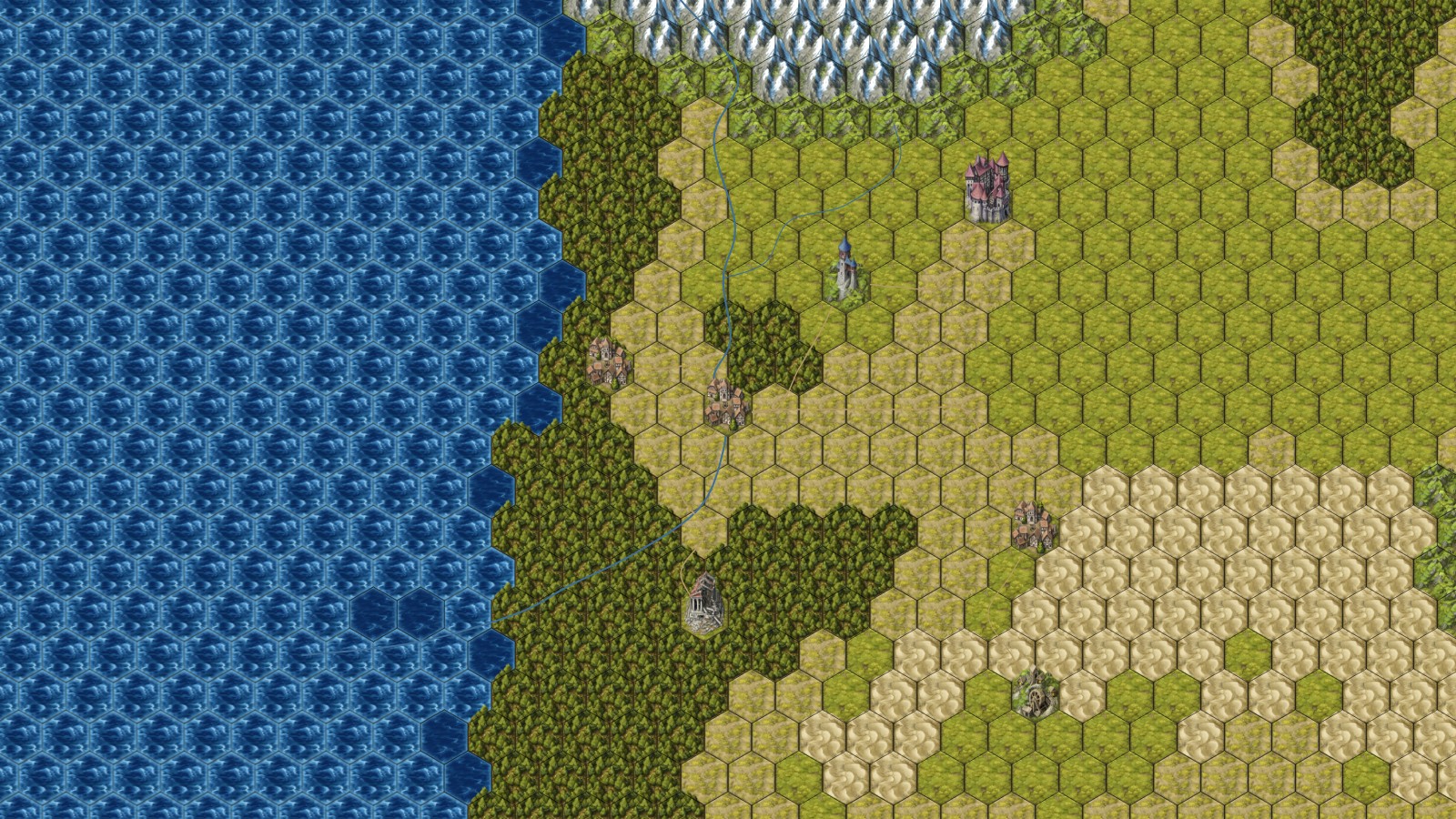 THE WORLD YOU MADE
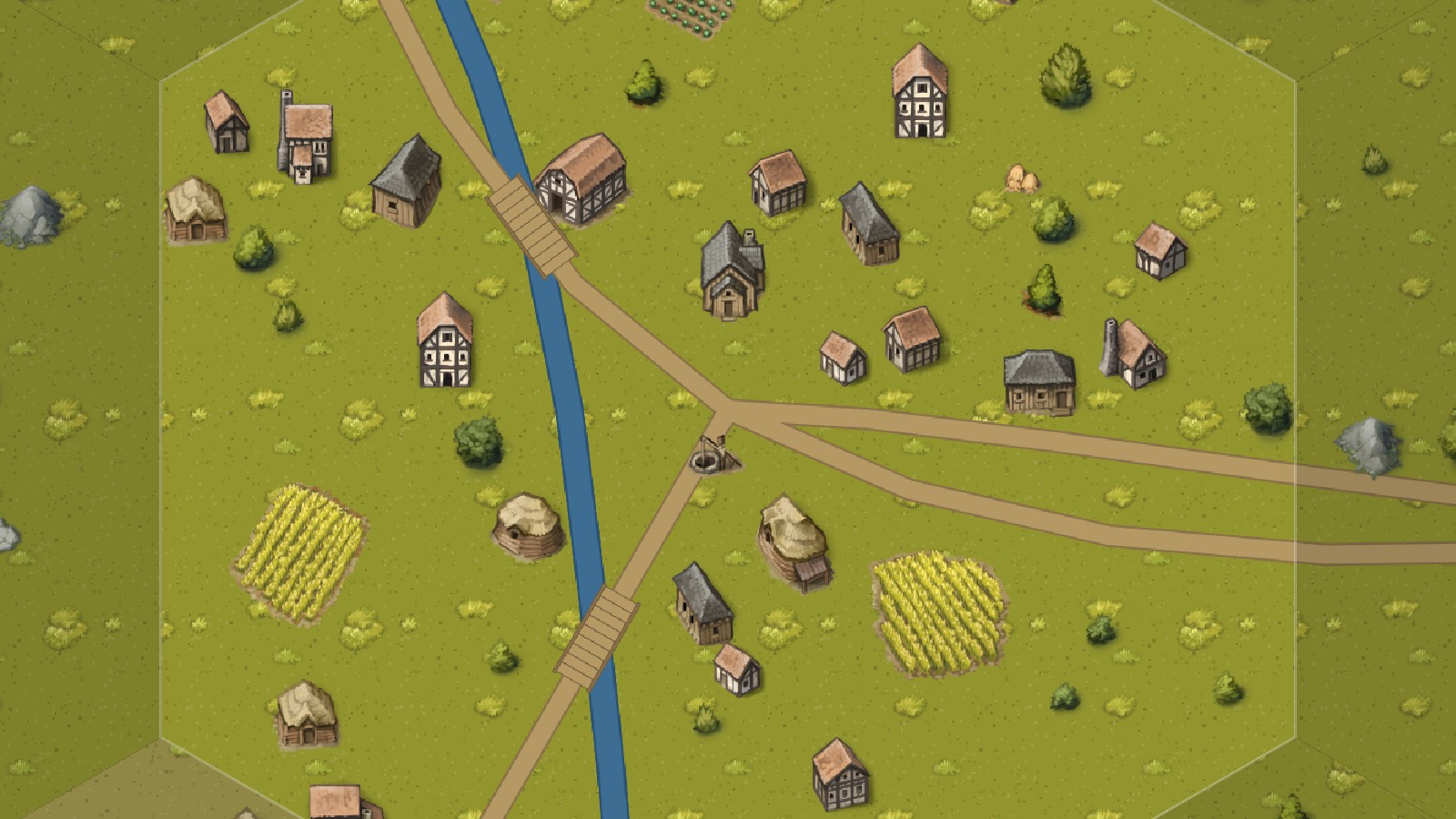 THE ADVENTURE AHEAD
A WORLD WORTH EXPLORING
Keep the big picture and the small details together. Choose one destination for tonight, or package a whole connected world. Both are free.
Export an individual map, settlement, dungeon or solar system, or a selected area as one scene. Download its package and import it into Foundry with the free module.
FREEPackage a selected area together with its linked settlements and dungeons. Exporting the area alone as one scene is free.
FREEExport connected maps as a world package, with navigation links that take you between places and scales.
FREE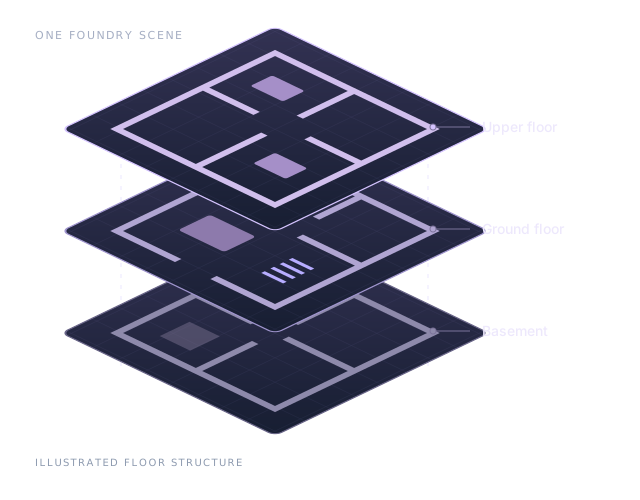
NATIVE FOUNDRY V14 LEVELS
Keep a building or multi-floor dungeon in one Foundry scene. Its basement, ground floor and upper floors become native Levels, so moving upstairs keeps you in the same place.
Continent, Country and Region maps stay separate scenes: each has its own scale. Foundry 13 imports floors as separate scenes. This graphic explains the structure; it is not a Foundry screenshot.
CLOUD MEMBERSHIP · $3.99/MONTH
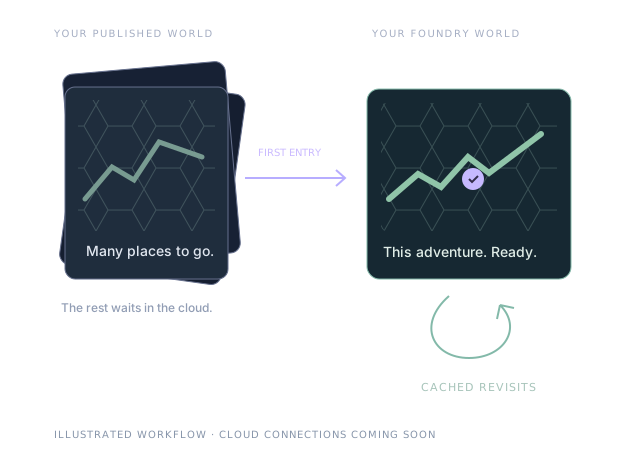
For campaigns with hundreds of battlemaps, publish your world once and Foundry loads each destination the first time you enter it. Revisits come from your Foundry world without downloading it again.
In HexAtlas, choose Publish cloud world for Foundry in the Foundry export. In Foundry, choose Connect HexAtlas Cloud World and open the connection file, then follow its map links as the party explores. The rest of the world waits until you need it.
A cloud world is the full GM export, GM-only records included, and anyone with its connection file can load all of it. Keep the file private, and revoke the world from the Foundry export if it is shared by mistake.
Included with Cloud Membership. Needs HexAtlas for Foundry 5.5 or later.
CHOOSE WHAT YOU NEED
The importer is free. Foundry VTT itself is a separate product and requires its own license.
| Take your maps into Foundry | Free | Cloud Membership |
|---|---|---|
| HexAtlas importer module | Included | Included |
| Export individual maps or a selected area as one scene | Included | Included |
| Whole-world packages and selected areas with linked maps | Included | Included |
| Publish cloud worlds for Foundry | — | Included |
| First-entry cloud downloads & cached revisits | — | Included |
Map creation features follow your HexAtlas plan. Exporting a large world is still subject to image and package limits; select a smaller area if your export exceeds them. Cloud worlds: up to 10 published at a time and 2 GB in total, with each map (or building) up to 150 MB. See plans and help ↗
READY FOR YOUR NEXT SESSION
Install the HexAtlas importer, enable it in your Foundry world, and bring in your map package.
Download module ZIP · v5.5.0In Foundry’s setup screen, open Add-on Modules → Install Module. Paste this manifest URL.
Open Manage Modules inside Foundry and enable HexAtlas Importer.
Export a Foundry package from HexAtlas. In Foundry’s Scenes tab, choose Import HexAtlas Map and select your ZIP. For a cloud world, choose Connect HexAtlas Cloud World and open its connection file.
BEFORE THE FIRST SESSION
No. Players can use the scenes the GM has imported into Foundry. Whole-world exports are free; publishing a cloud world comes with the GM’s Cloud Membership.
No. A cloud world is a published snapshot. Maps already imported into Foundry are kept there; they are not overwritten when you edit the original in HexAtlas. To share changes, publish again and revoke the old cloud world.
Your already imported scenes remain in Foundry. Your cloud worlds stop loading new maps until the membership is active again; if it is not renewed within 30 days, they are deleted. You can revoke them at any time. Every downloaded export, from one map to the whole world, stays free.
After updating the module, right-click the scene in Foundry’s Scenes tab. Choose Check HexAtlas Alignment, then Re-apply HexAtlas grid. Updating the module alone does not change previously imported scenes.
No. Keep your HexAtlas JSON backups and your Foundry world backups. Imported scene assets live with your Foundry data, and large exports still have size limits.
HexAtlas Importer is an independent integration for Foundry Virtual Tabletop. Foundry VTT is a separate product; this page does not imply endorsement or affiliation.